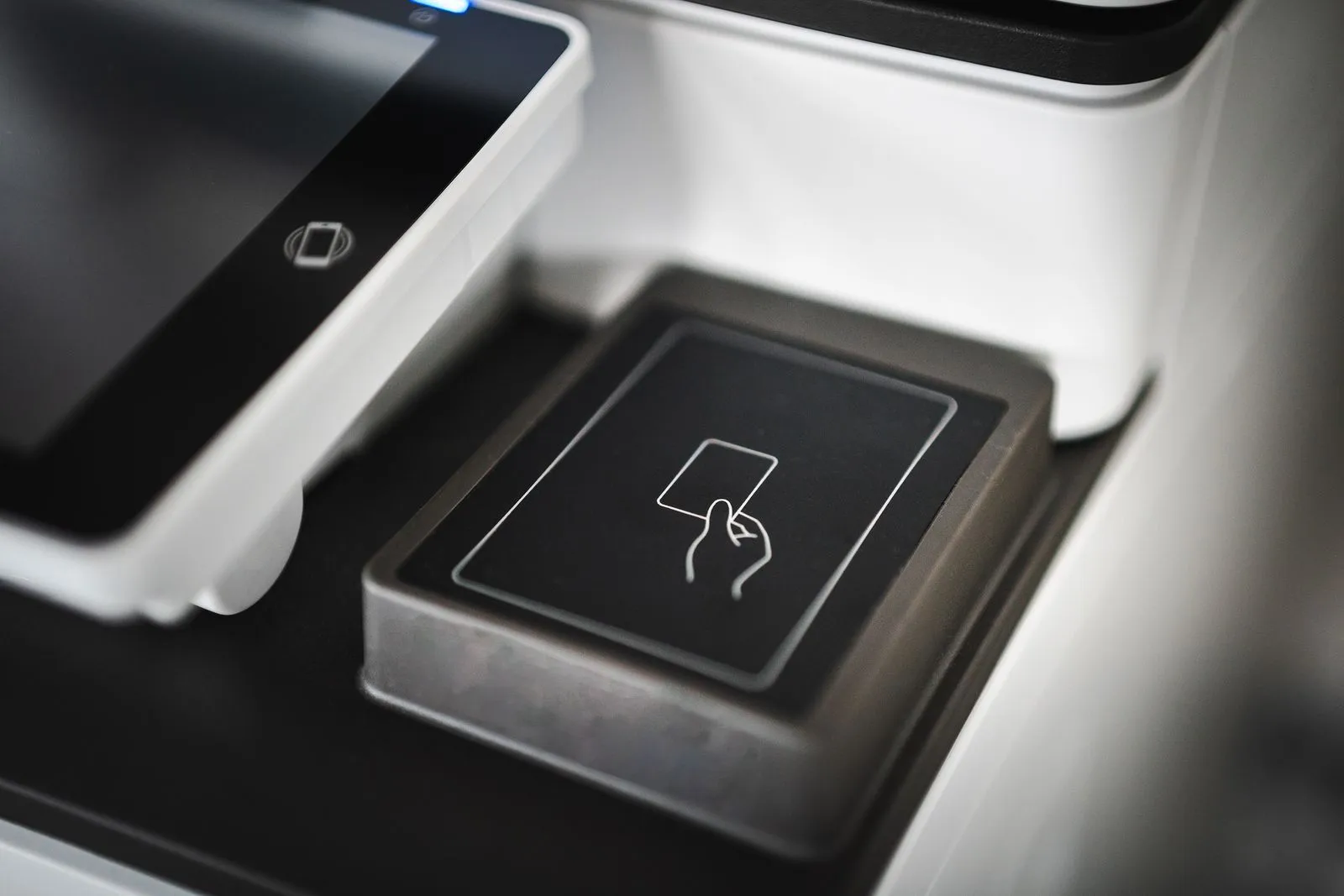
A failed access card can interrupt a workday, but the cause may be simple: the card was presented incorrectly, the reader needs another try, or the credential needs attention. Start with checks that will not change system settings or risk locking others out. If the problem continues, note what happens and whether other users are affected. Those details can help your administrator or locksmith identify whether the issue is with one card, a reader, or the access control system.
Try These Simple Checks
Present the card flat against the reader or hold it near the marked area for a moment. Follow the reader’s instructions, and avoid tapping repeatedly or moving the card away too quickly. If the reader signals an error, wait briefly and try once more. Check that you are using the correct entrance and that the door is not set to a different access mode.
Look for visible damage, such as a crack, bend, or worn surface. Keep the card separate from other access cards and items that may interfere with it, then test it again. If you have an approved backup credential, use it to check whether the door and reader respond. Do not force the door or try to bypass the lock.
Check for Credential Issues
If only your card fails, the credential may be inactive, expired, assigned incorrect permissions, or removed from the system. This can happen after a replacement, a change in role, or a missed update by the person who manages access. Contact your building administrator or employer to confirm that the card is active and authorized for that door and time.
Share the exact reader response, the door location, and when the issue began. Mention whether the card works at other entrances and whether it has recently been replaced or damaged. Avoid sharing PINs or other sensitive access details in an open message. An administrator can check the credential record and arrange a replacement if needed.
Look for Reader or System Problems
If several people cannot enter, or multiple readers fail, the issue may extend beyond one card. A reader with no lights or sound may have a power or connection problem. A reader that responds normally but rejects valid cards may point to permissions, a communication issue, or another system setting. Note whether the door behaves differently at other times or after a power interruption.
Report patterns rather than changing equipment yourself. Avoid opening reader covers, disconnecting wiring, or resetting access hardware unless you are authorized and trained to do so. Those actions can interrupt service or make the fault harder to diagnose. If the entrance secures an occupied building, follow your site’s approved entry and safety procedures while help is arranged.
Know When to Call a Locksmith
Call an access control locksmith when an active credential still fails after basic checks, a reader appears unresponsive, several doors show similar problems, or the system behaves inconsistently. A professional can inspect the reader, wiring, lock hardware, power, and system communication, then help distinguish a device fault from a credential or configuration issue. Contact your system administrator as well if they control user permissions.
Before requesting service, gather the affected door locations, reader signals, approximate start time, and results from any approved backup card. Explain whether the issue affects one person or multiple users. Naperville Access Lock provides access control locksmith services in Naperville; confirm the appropriate service arrangements directly before scheduling.
Start with careful card and reader checks, then ask your administrator to verify the credential. If the issue affects multiple users or persists, avoid changing the hardware and arrange system troubleshooting. Keep notes on the symptoms so the right part of the system can be checked. Contact a qualified access control locksmith when you need help diagnosing the reader, lock, or connection.